Introduction: Why Automation is a Game-Changer for Solopreneurs
Running a solo business is empowering—but it can also be overwhelming. You’re the CEO, marketer, customer support, accountant, and everything in between. But what if you could automate 80% of your business tasks using AI, without writing a single line of code?
Thanks to no-code AI tools, solopreneurs today can streamline their workflows, save hours weekly, and focus more on strategy and creativity. In this guide, we’ll show you exactly how to automate your solo business with AI tools—no tech skills required.
What Can You Automate in Your Solo Business?
Before diving into tools, let’s break down which tasks are ripe for automation:
- Content creation (blogs, social posts, product descriptions)
- Email marketing
- Customer support
- Lead generation & follow-up
- Invoicing & scheduling
- Social media management
- Market research & trend analysis
By automating these, you can free up 20+ hours per week, reduce manual errors, and scale smarter.
Top No-Code AI Tools to Automate Your Solo Business
1. ChatGPT / Claude – AI Writing & Customer Support

Use AI chat tools like ChatGPT to write blog posts, answer customer queries, generate email responses, or brainstorm ideas in seconds. You can also plug it into your website using tools like Tidio or ManyChat for chatbot automation.
🔧 Use for:
- Content generation
- Writing product copy
- Instant customer support replies
- Brainstorming ideas
CHAT GPT – Command or Ask yout doubts
2. Zapier / Make (Integromat) – No-Code Automation Platform
These tools connect your apps like Gmail, Google Sheets, Notion, Shopify, and automate repetitive tasks (like sending emails after a new form submission).
🔧 Use for:
- Auto-responding to leads
- Syncing CRM data
- Social post scheduling
- Booking follow-up emails
Also Read – Top 10 AI Tools Every Solopreneur Needs in 2025
3. Copy.ai / Jasper – AI Content & Copywriting

Need marketing emails, blog intros, or landing page content fast? These no-code AI writing assistants make it easy with templates built for solopreneurs.
🔧 Use for:
- Email marketing copy
- Landing pages
- Facebook & Instagram ad copy
- SEO meta descriptions
4. Notion AI / Taskade – AI Productivity & Planning
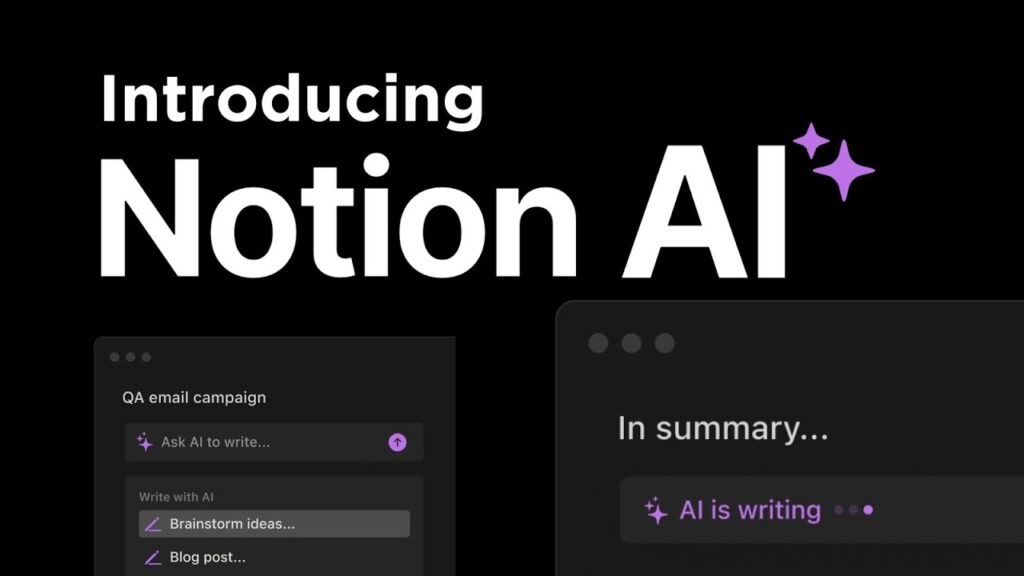
AI inside Notion can write project summaries, automate meeting notes, or draft SOPs. Taskade adds mind-mapping, AI-generated checklists, and workflows.
🔧 Use for:
- Content planning
- Writing business docs
- Creating auto-generated tasks
- Weekly reports
5. Trello + AI Power-Ups / ClickUp AI – Task Management with AI
Automate your task creation, meeting summaries, and priority planning. Tools like ClickUp AI help you write goals, brainstorm ideas, and summarize projects.
🔧 Use for:
- Auto-generated project updates
- Prioritizing to-do lists
- Task breakdowns with AI help
6. Lumen5 / Pictory / InVideo – AI Video Creation

Turn your blog post or idea into a video without editing. These tools create social videos, YouTube content, or course modules with just text input.
🔧 Use for:
- Video marketing
- Repurposing blog content
- Quick reels & shorts
7. Tidio / Intercom AI – AI Customer Support
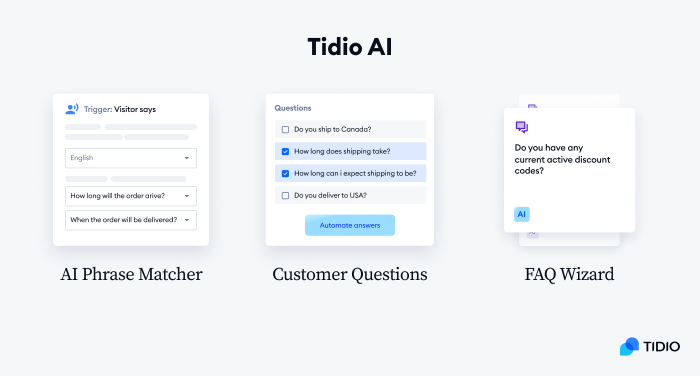
Automate FAQs, collect leads, and chat with website visitors 24/7 using AI bots. Easy drag-and-drop interfaces mean zero coding is required.
🔧 Use for:
- Website chatbots
- Automated support replies
- Lead qualification
8. Calendly + AI Scheduling Assistants
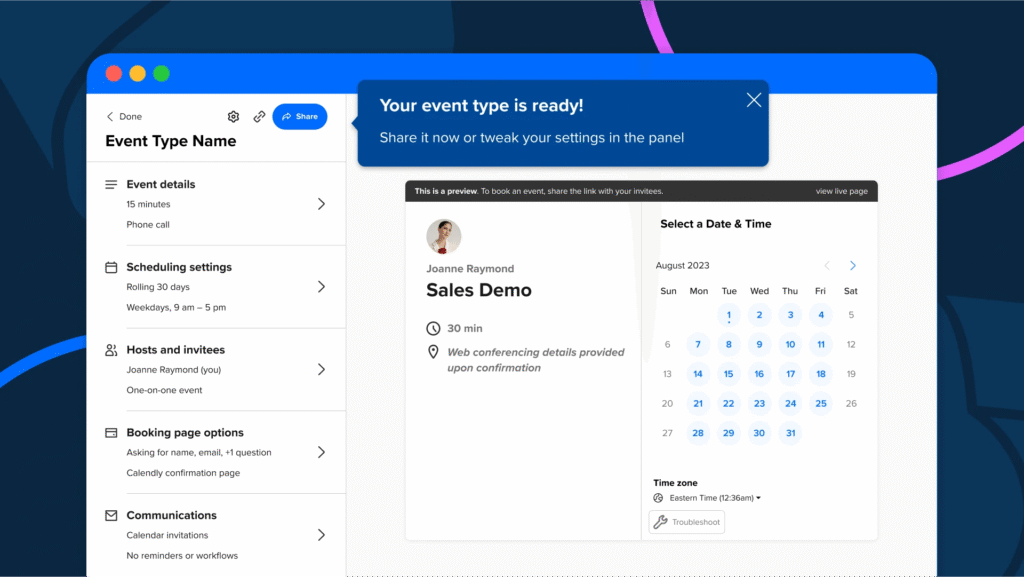
Let your clients book meetings without back-and-forth emails. Combine with AI like Reclaim or Motion to auto-prioritize tasks based on your calendar.
🔧 Use for:
- Auto-meeting scheduling
- AI-prioritized work blocks
- Daily agenda automation
9. Descript / Podcastle / ElevenLabs – AI for Audio/Podcasting
Want to start a podcast or edit reels? Descript transcribes and edits audio using AI. You can even clone your voice for smoother edits.
🔧 Use for:
- Creating podcasts
- Editing audio
- Generating voiceovers
10. Quickbooks + AI Accounting Tools
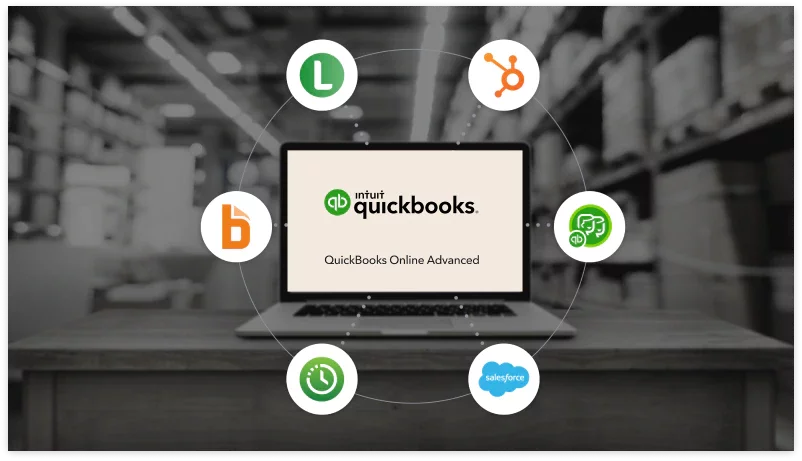
Let AI handle your bookkeeping, categorize expenses, and send recurring invoices. Combine it with tools like Stripe, PayPal, or Zoho for full finance automation.
🔧 Use for:
- Invoice generation
- Payment tracking
- Expense categorization
How to Build Your No-Code AI Stack (Step-by-Step)
Here’s how to build your automation system even if you’re not tech-savvy:
- List repetitive tasks you do weekly (emails, posts, responses).
- Choose 2-3 AI tools based on your biggest time wasters.
- Create simple workflows (like: new blog → social post → email newsletter).
- Use Zapier or Make to automate the connections.
- Monitor weekly → tweak → scale.
Real Examples of AI Automation in Solo Businesses
- Coaches use ChatGPT to write newsletters, Jasper for landing pages, and Calendly for bookings.
- Freelancers automate invoices with QuickBooks and client follow-ups with Mailchimp.
- Course creators use Pictory to turn lessons into promo videos, and Descript for editing.
Even with 1-2 tools, solopreneurs save 10–20 hours/week.
Benefits of Automating with No-Code AI
- ⏰ Time-saving: Focus on growth, not grunt work.
- 💸 Cost-effective: Replace expensive tools or VAs.
- 🧘 Less stress: Fewer repetitive tasks, more freedom.
- 🚀 Scale faster: Automate like a team of 5.
Bonus Tools to Explore
- Otter.ai – Auto transcribes meetings
- Tome – AI pitch deck & presentation builder
- SheetAI – AI inside Google Sheets
- Durable.co – Auto-build a full business website with AI
Conclusion: Work Less, Scale Smart
If you’re running your business solo, automation isn’t a luxury—it’s your unfair advantage. With today’s no-code AI tools, you can automate 80% of your business and scale like a team of five—without burnout.
Start small, pick one task, automate it, and keep building. The future of solopreneurship is AI-powered—and it’s already here.
❓ FAQs
1. Can I really automate my business without knowing how to code?
Yes! No-code tools like Zapier, ChatGPT, and ClickUp make it easy to automate workflows with drag-and-drop functionality and templates.
2. How much does AI automation cost?
Many tools offer free plans (e.g., ChatGPT, Canva, Calendly), and most premium plans start from $10–$30/month—way cheaper than hiring help.
3. What is the first thing I should automate as a solopreneur?
Start with content (social posts, emails, blog drafts) or customer replies—these are easy wins and save the most time.